Route optimization that isn't held back for a higher plan
Ten to twenty stops a day adds up to real drive time when the order is wrong. Tap Optimize and the day's stops resequence into a shorter route — on Starter, same as on Pro.
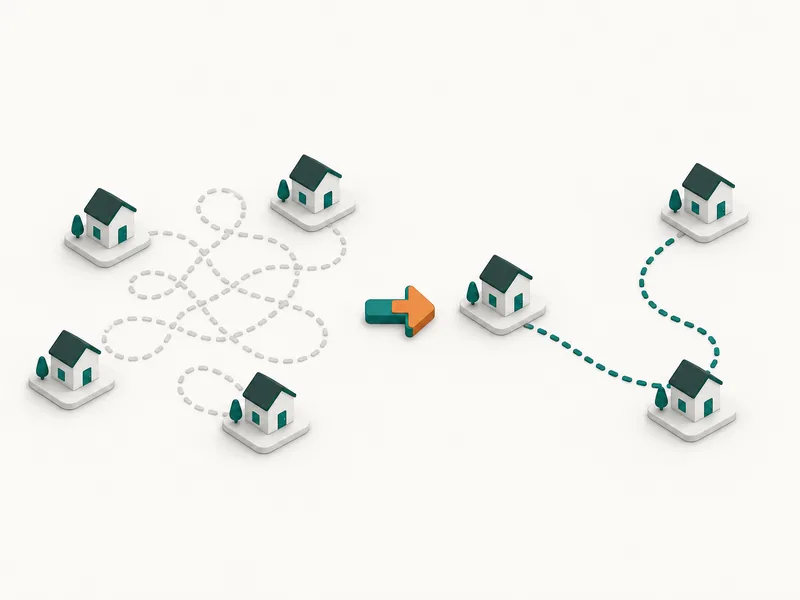
Why route order matters more in pool service than it looks like
A recurring route with 10-20 daily stops means the order a tech drives it in compounds every single day of the season. A route that zigzags across town instead of moving through it costs real minutes, week after week, in a business where the visit itself might only take 15-20 minutes.
PoolTechDesk's route optimizer resequences a day's stops on demand — one tap, from the route day view a tech already uses to work through the list.
Included on every plan, not a Growth or Pro upsell
Route optimization ships on Starter, the same as Growth and Pro. The tier you're on changes how many users and what admin features you get — not whether the routing algorithm is switched on.
A starting point, not a rigid lock-in
Optimize proposes an order based on stop locations. A tech can still drag a stop earlier or later afterward for a reason the algorithm has no way to know — a gate code that only works after 9am, a customer request for a specific time window. The optimizer gets you a strong starting order in one tap; you keep the final say.
Route optimization questions
Is route optimization an add-on or a higher-tier feature?
It's included on Starter, Growth and Pro. There's no separate charge and no higher plan required to unlock it.
Can optimizing a route ever make it worse?
No — the optimizer only reorders stops when it finds a shorter path than the current order. If your manual sequence is already efficient, tapping Optimize won't rearrange it for the sake of rearranging it.
Do I still control the final order?
Yes. Optimize proposes a sequence; you can still drag any stop up or down afterward for the exceptions a routing algorithm doesn't know about — a customer who's only home in the morning, for example.
Does it work for a single technician, or only multi-crew teams?
Both. A solo operator with 15 stops a day gets the same one-tap resequencing as an 8-person team splitting stops across multiple routes.
Stop planning routes by hand
We are opening to new teams from a waitlist. Leave your email and we will write when access opens.
Join the waitlist